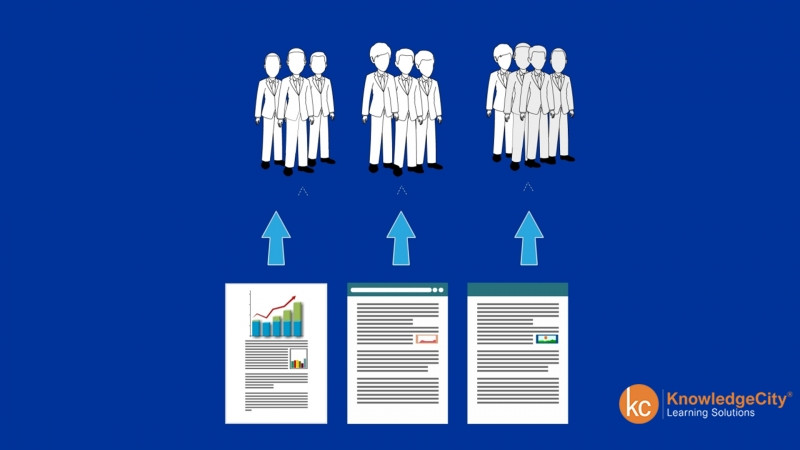
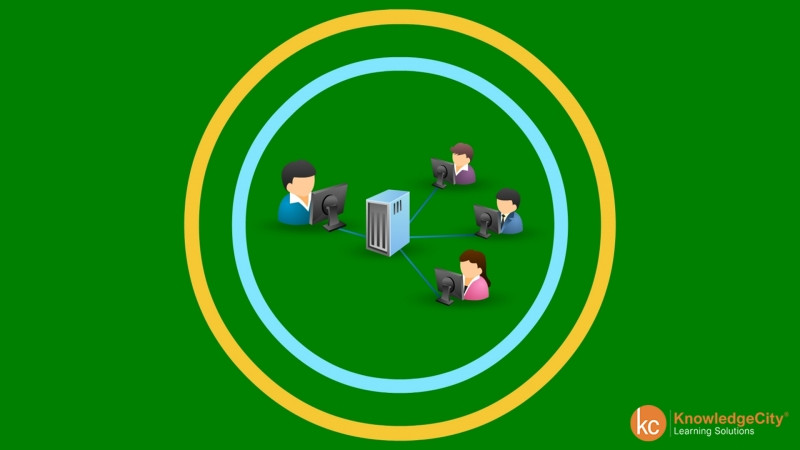
In this lesson, you will be learning about what Microsoft OneDrive is and how it works. Microsoft OneDrive is an application that enables you to upload, store, create and collaborate on files through online access. OneDrive is very accessible, user-friendly and is secure. There are three ways to access your OneDrive application. The first way to access OneDrive is through online access using a web browser, signing in through Microsoft and using online access to operate your OneDrive. The second application option is through desktop access. You can download the Microsoft OneDrive app to your desktop, which allows you to sync files and folders as you work straight to your OneDrive account. Lastly, the mobile option for OneDrive is a mobile application that can be downloaded to your mobile device that allows you to work on files, folders through OneDrive access through your device. Microsoft OneDrive has many purposes. There are five main purposes that Microsoft OneDrive allows you to do. The first thing is it serves as a backup file system, meaning it allows you to store files that are not just dependent on your computer or your device. The second thing is that it's accessible anywhere with internet connection. With Microsoft OneDrive, you can access your OneDrive files onto any device that you log into using your Microsoft account. The third thing is you can customize access when you share documents or files or folders with others. You can set opening, viewing and editing access. The fourth thing is you can collaborate live with others. When you share a OneDrive file, others with access can edit as they go. The specific people are color coded with the edits and can be tracked so you can know who's working on what and when those edits were made. Lastly, the organization in the settings allow you to organize your files and sort files in many different ways. Different settings to choose from for notifications, viewing and preferences allows you to create your OneDrive system that you want to organize and follow.