Enjoying the preview?
This is the free first lesson. Get full access — request a demo or sign in.
Enjoying the preview?
This is the free first lesson. Get full access — request a demo or sign in.
It is an introductory course for people who want to learn the basics of Microsoft Excel 2010 and begin working toward becoming proficient in creating professional spreadsheets.
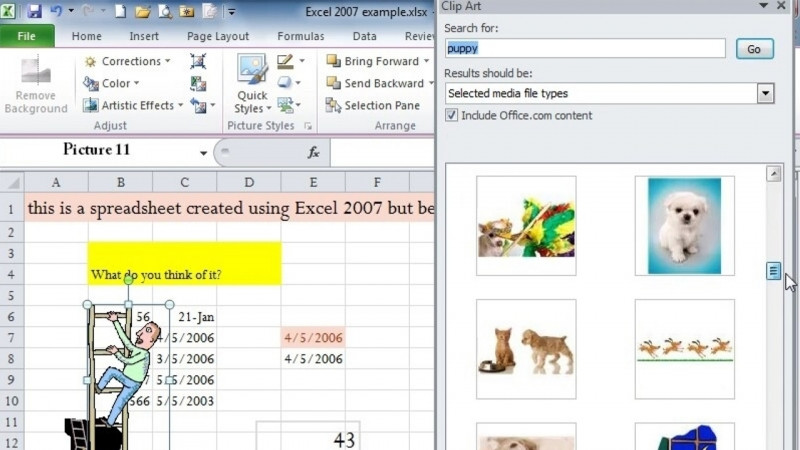
It covers a tour of the Excel window, creating worksheets, adding and editing data and images, saving for printing in various formats, and Excel's built-in math, financial, and text-related functions.
The course addresses skills including Microsoft Excel, Spreadsheets, Excel Macros, Excel Services, SpreadsheetML, and Microsoft Office Specialist (MOS) - Excel.
The course shows how to save in Excel formats as well as in HTML and PDF, and it covers AutoRecover, opening and closing files, and saving and sending.
This is an introductory course that begins with a tour of the Excel window and the basics of creating a worksheet, so it is designed for those starting out with Excel 2010.