Enjoying the preview?
This is the free first lesson. Get full access — request a demo or sign in.
Enjoying the preview?
This is the free first lesson. Get full access — request a demo or sign in.
It covers creating customized presentations, navigating PowerPoint 2010 with the Office button and ribbons, designing layouts with headers, footers and themes, formatting text, and adding tables, shapes, Clip Art, SmartArt, and video and audio media clips.
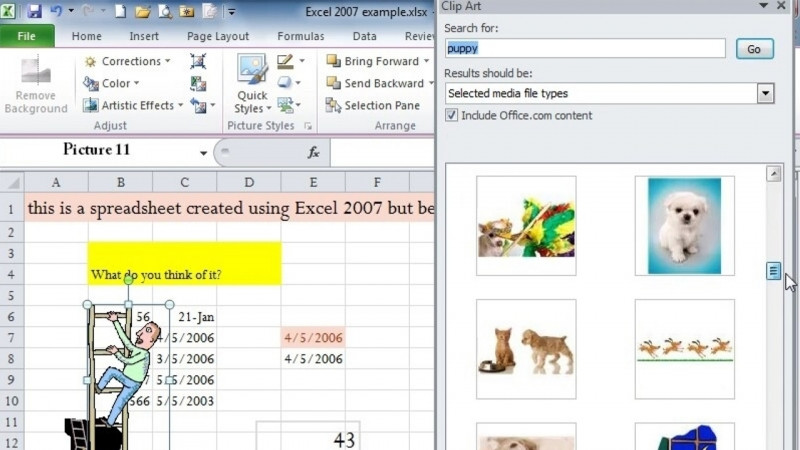
Yes. The course teaches how to add tables, shapes, Clip Art, SmartArt, and media clips of video and audio to enhance your message.
You learn to enter slide text using placeholders and bulleted text, apply the 7x7 Rule, work with text and outlines, and format text within your presentation layout.
It covers viewing slides through Normal view, Slide Sorter view, and Slide Show view, working with new and existing presentations, resizing Normal view panes, and saving and closing presentations.
The course relates to Microsoft PowerPoint, Adobe Presenter, PowerPoint Animation, Presentation Graphics, Presentation Design, and Presentation Software.